Mire
Coming soon to Android

Read your script without taking your eyes off the lens

Mire scrolls your text right under the front camera while it films you. You speak naturally, looking at the lens, and your video is ready to share.

Free · No account · Your scripts stay on your phone

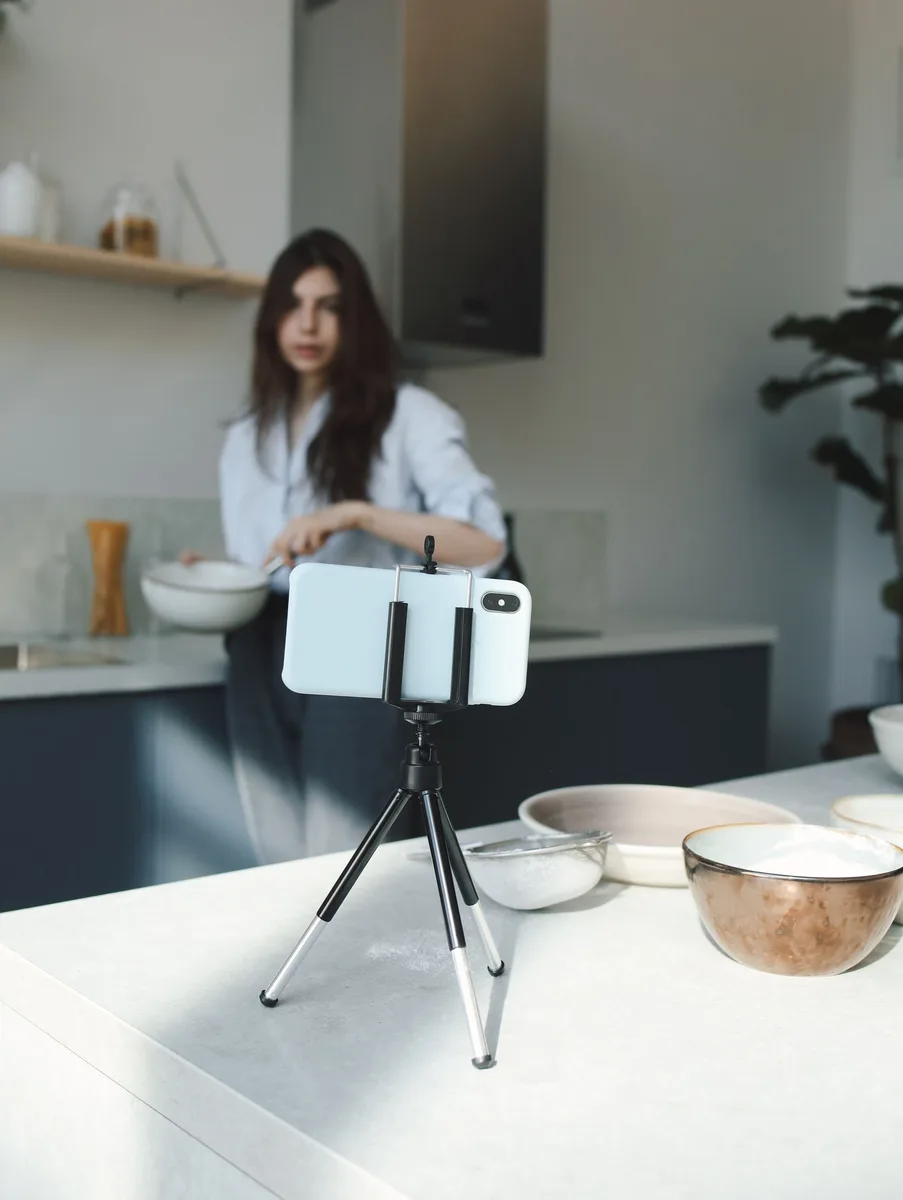
A woman talking to her phone set on a tripod
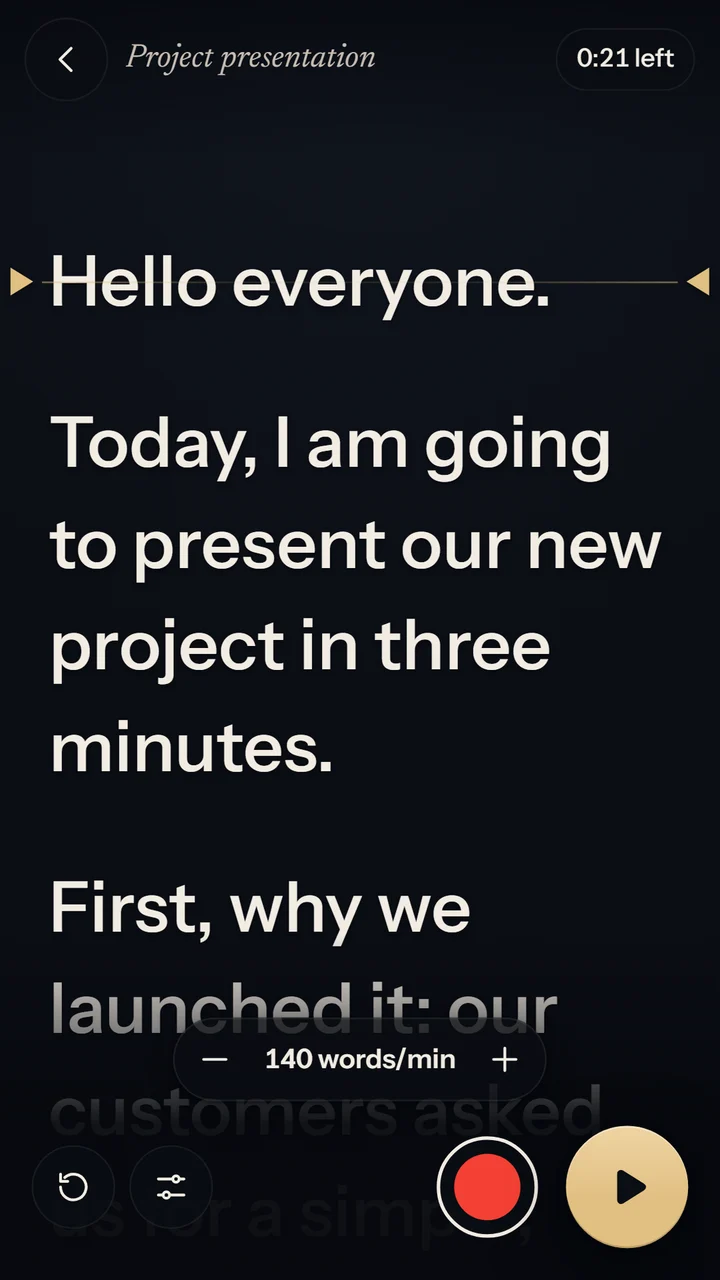
The script scrolling on Mire's reading line

For every video where you talk to the camera on your own

No more learning your script by heart or looking away to read it.

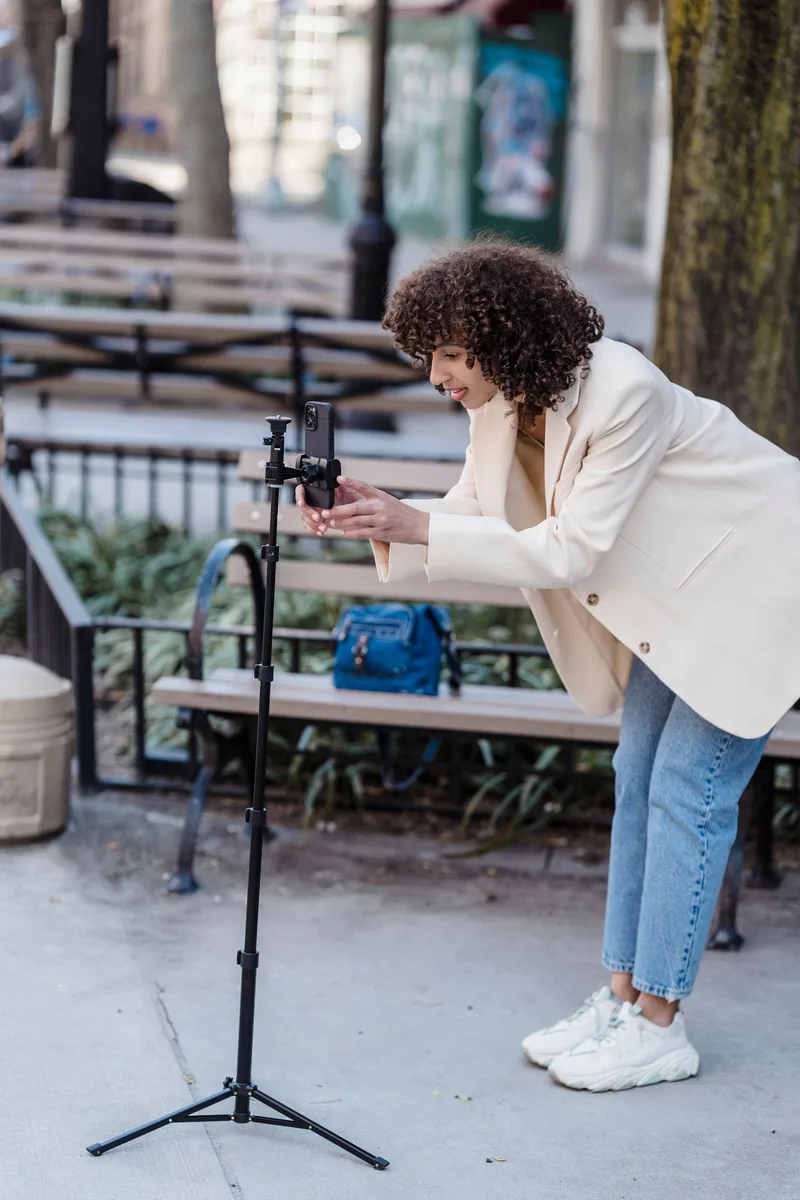
A creator setting up her phone on a tripod outdoors

Video creators

Social media, YouTube, tutorials: record take after take without searching for words.

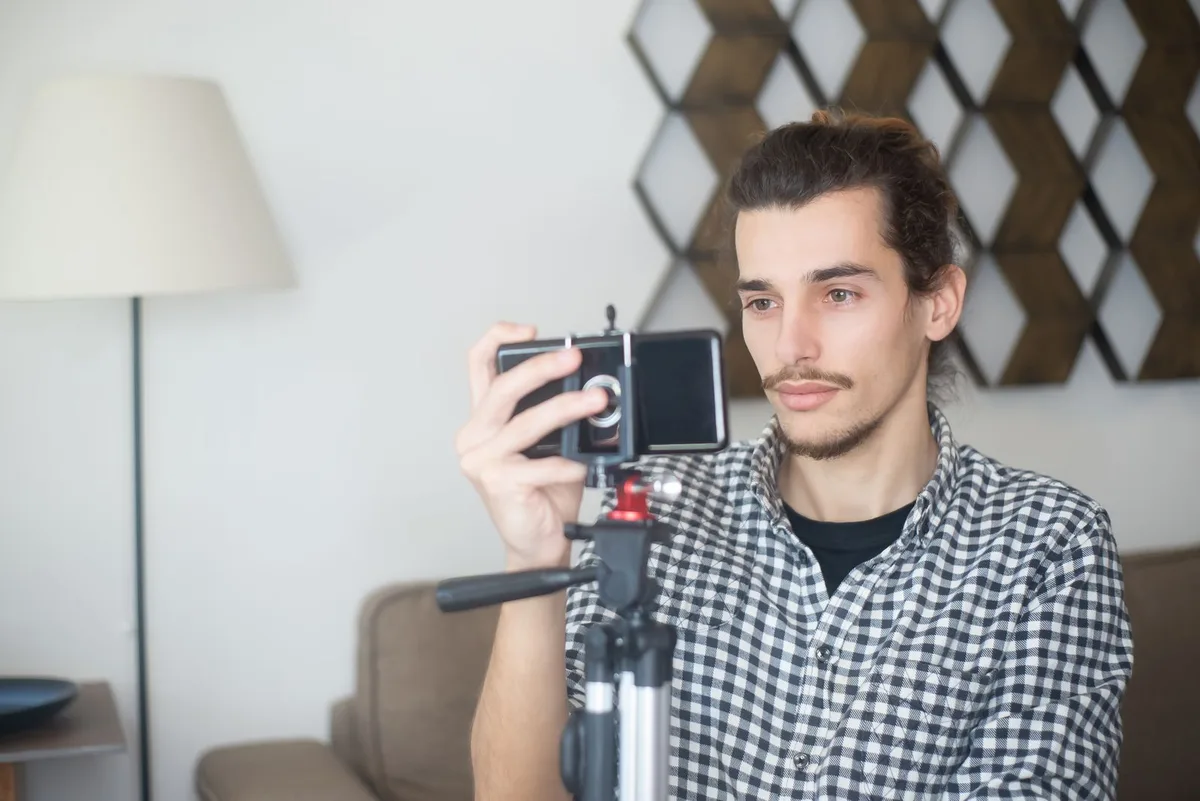
A man adjusting his phone on a tripod at home

Trainers and entrepreneurs

Presentations, online courses, product videos: a clear message, delivered with confidence.

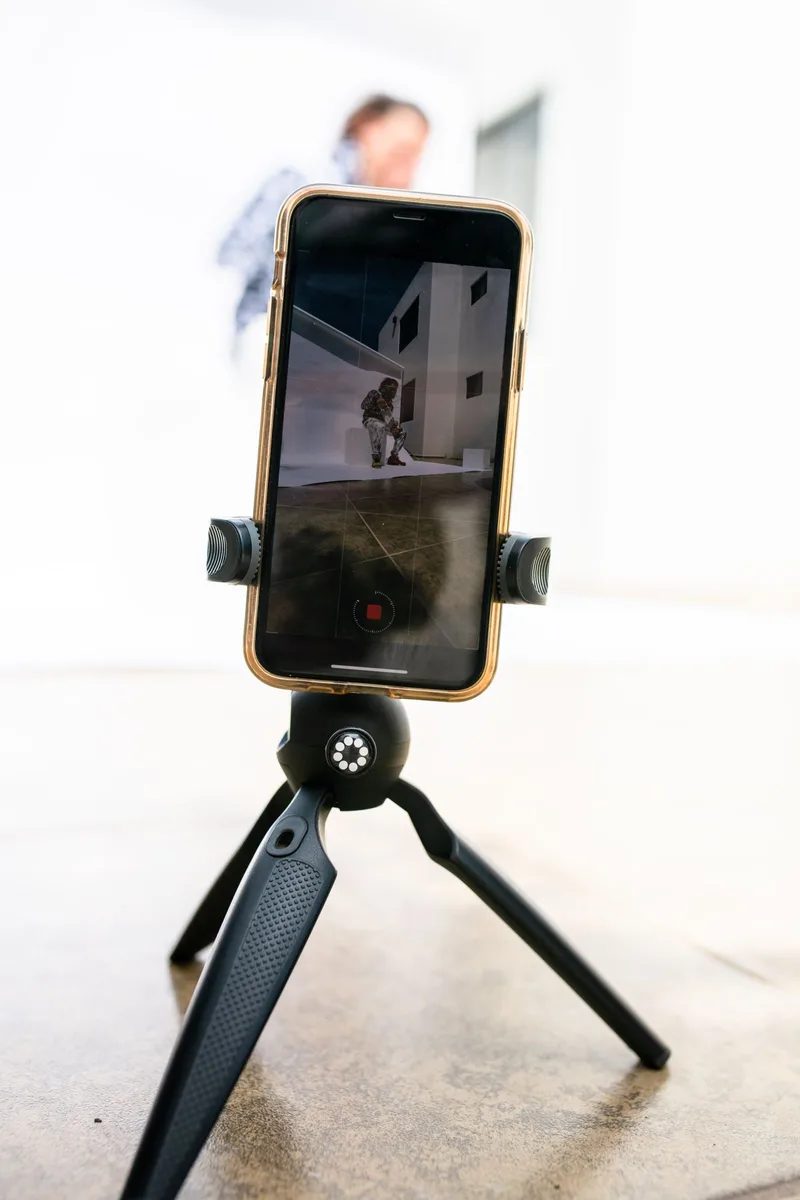
A phone on a tripod, recording

Applications and video messages

Video interviews, self-introductions, messages to loved ones: you know what to say, and you say it well.

A teleprompter designed for your phone

Everything happens on one screen: your script, your picture and the recording.

Mire's reading screen with the scrolling script

Read and film

The reading line, right under the lens

The text scrolls close to the front camera, so your eyes stay almost in line with it: on screen, you are looking at the person listening. Tap the red button, and when you are done the video is ready to save to your gallery or share.

  • Speed set in words per minute
  • A thumbnail of yourself under the lens, and a framing check before each take
  • A 3 or 5 second countdown before you start
  • Video with sound, saved on your phone
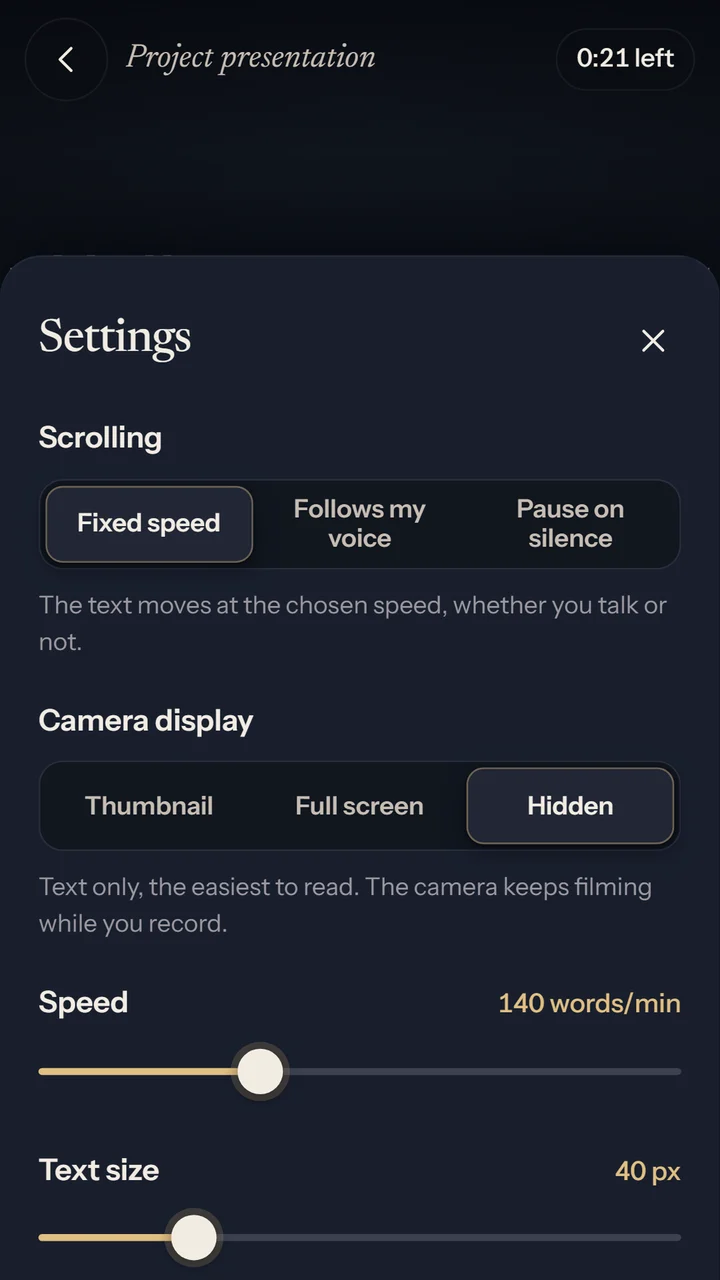
The prompter settings in Mire

Follows my voice

The text moves at your pace

In "Follows my voice" mode, Mire recognises the words you say and keeps the current sentence on the reading line. Slow down, it slows down. Stop, it waits.

  • "Pause on silence" mode: the text stops when you stop talking
  • You ad-lib a sentence: the text stays put
  • You skip a paragraph: the text follows you
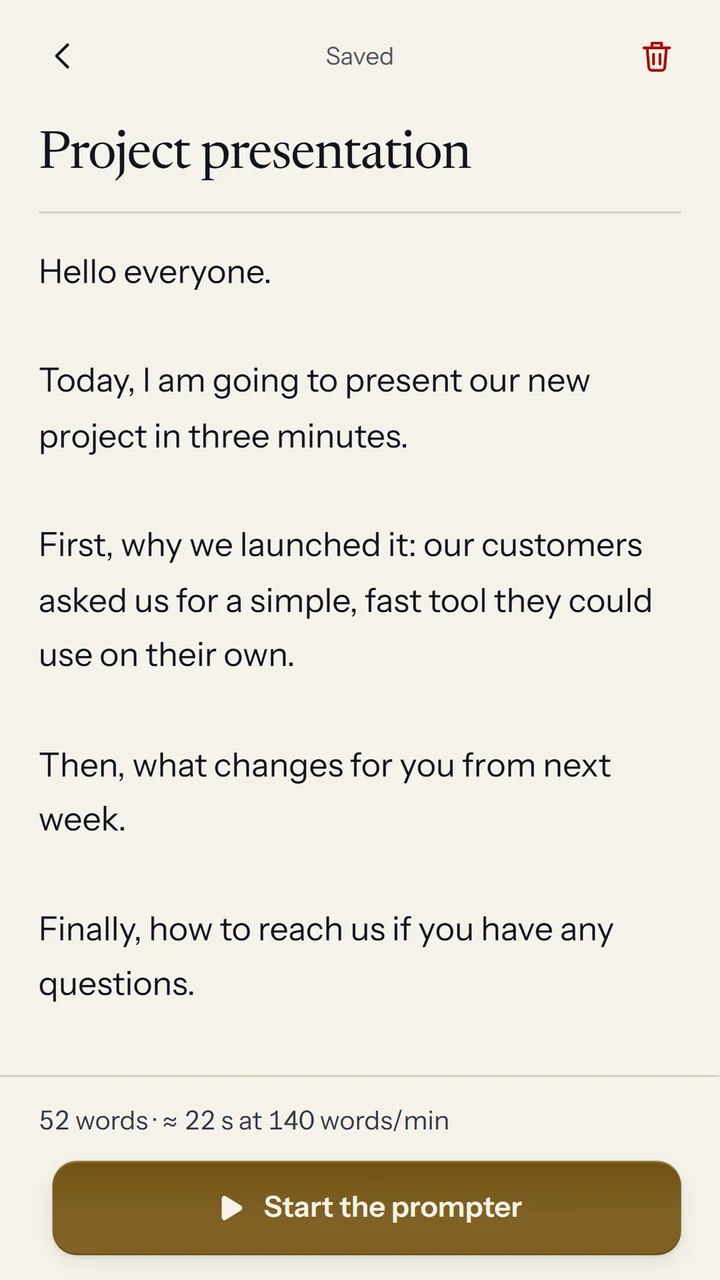
Mire's script editor

Write

Your script, ready in seconds

Type or paste your text: Mire saves it as you go and shows how long it takes to read. You can also import a text file.

  • Automatic saving
  • Word count and estimated duration
  • Import of .txt and .md files
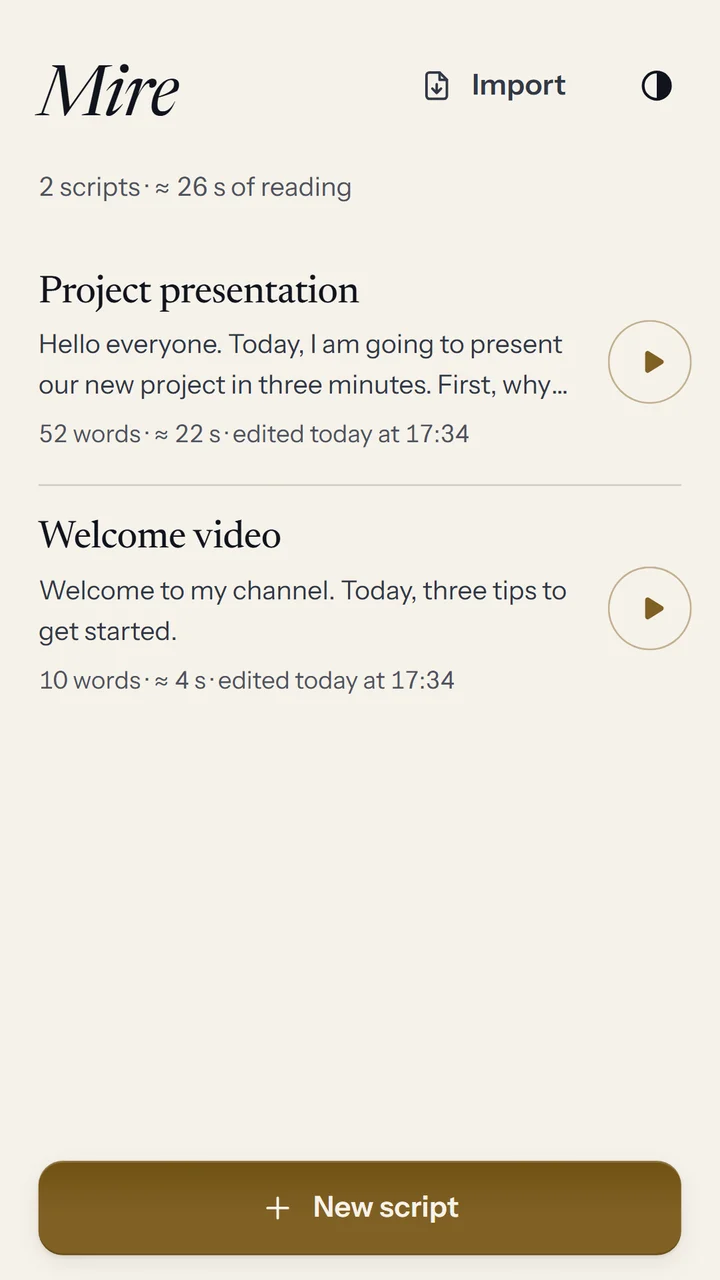
The list of scripts in Mire

Your scripts

All your scripts in one place

Find your scripts from newest to oldest, each with its reading time. A sample script helps you get started.

  • Search your scripts
  • Estimated reading time for each one
  • Everything stays on your phone, no account needed

And also

The details that make a good take.

Follows your voice

The text moves at your reading pace, using your phone's speech recognition.

Pause on silence

The text scrolls at your chosen speed while you talk and stops when you pause.

Check thumbnail

Your picture under the lens: one glance is enough, without breaking eye contact.

Framing

Before each take, the full picture with thirds and eye-level guides.

Mirror

Mirrored picture and reversed text for teleprompter glass.

Countdown

Three or five seconds to get ready before the text starts.

Light or dark

The app's interface comes in a light theme and a dark theme, whichever you prefer.

No account

Your scripts and videos stay on your phone. Nothing is sent to our servers.

Coming soon

Mire is coming to Android, for free. The link will go live as soon as it is published on Google Play.

Photos: Pexels. Mire is free thanks to a few ads, shown between takes and never while you are filming. The app is available in French, English and Spanish.