



Health studies
Medicine, physiotherapy, nursing, sports science: review structures, Latin names and pathways before your exams.
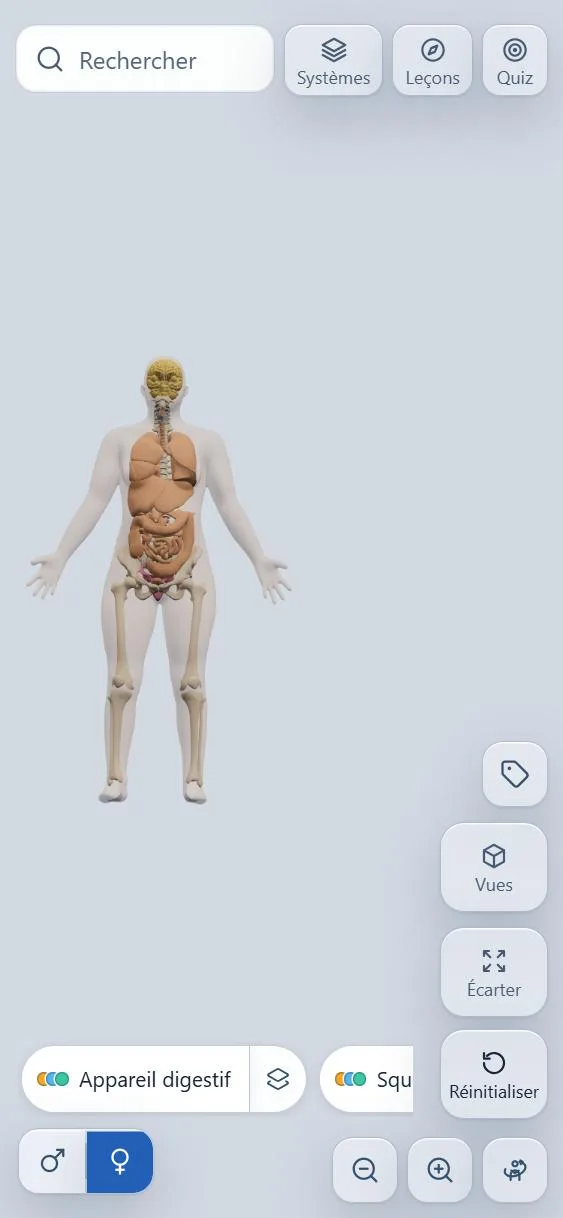
Spin a complete body, peel away the layers one by one, tap a structure to learn its name. Then learn with guided lessons and test yourself with quizzes.
Free · 8 languages · Works offline
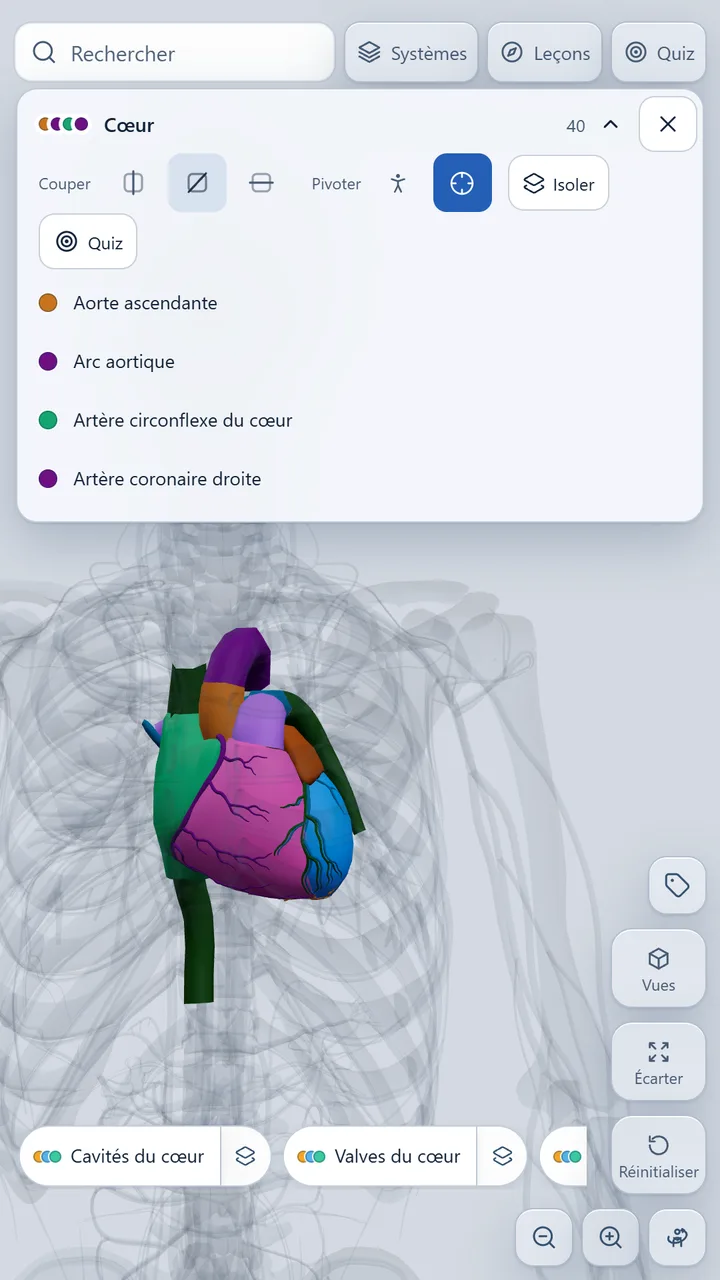
From health studies to the simple pleasure of understanding, Anatomo adapts to what you are looking for.
Medicine, physiotherapy, nursing, sports science: review structures, Latin names and pathways before your exams.
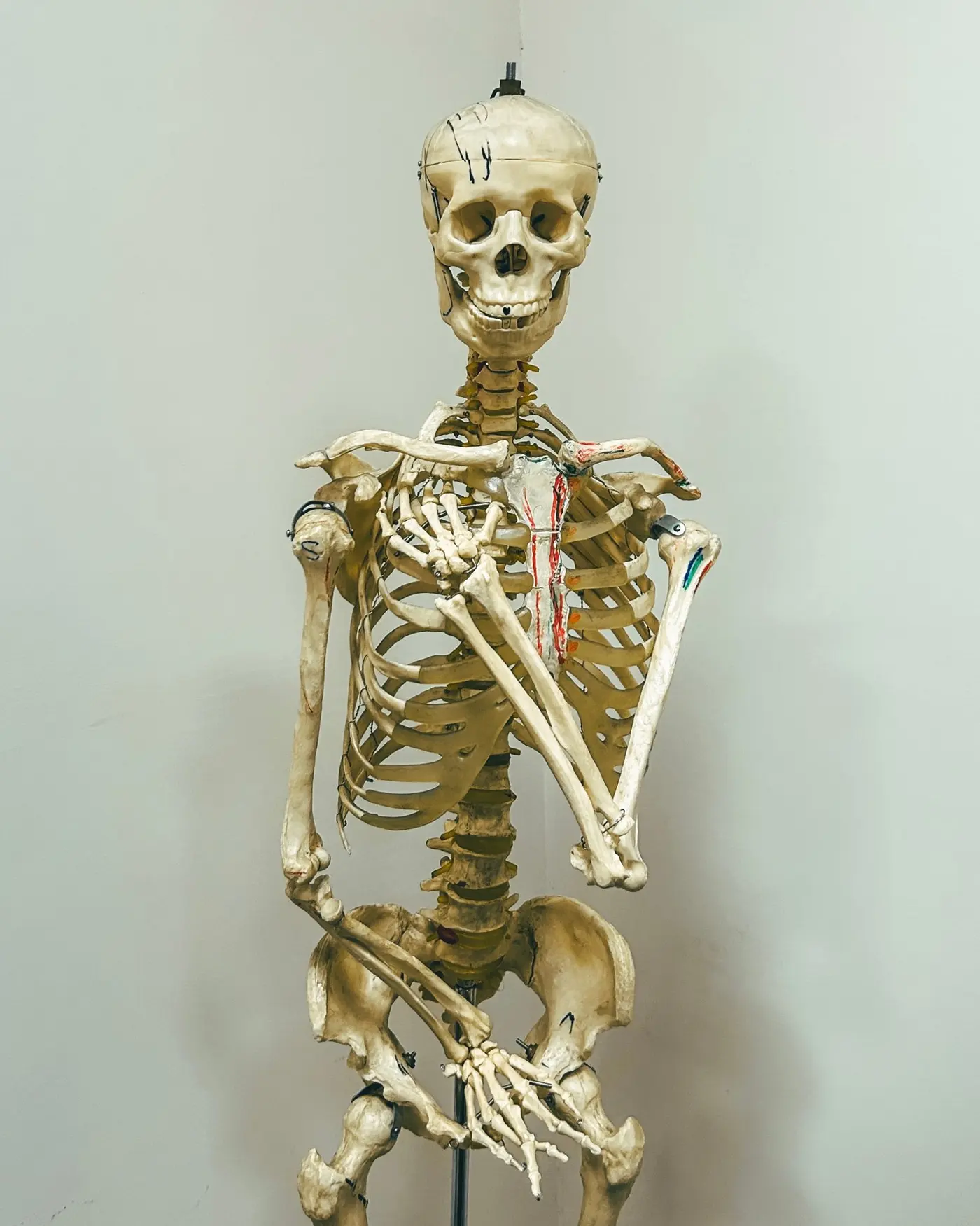
The skeleton, the heart, digestion or breathing in 3D: biology lessons become far more concrete.

Understand your own body, what an X-ray shows or what your doctor explains: everything can be touched and explored.
A complete 3D atlas built for your phone: handle it, explore it, learn, review.
Explore
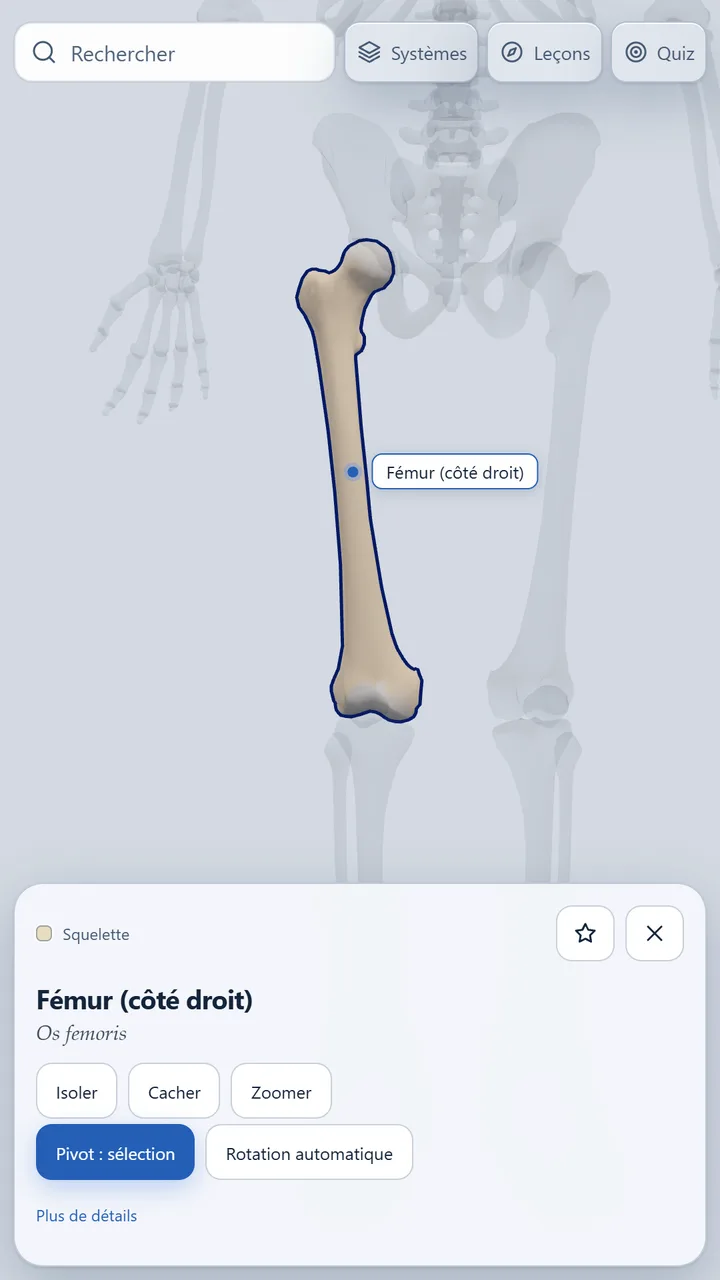
Every part of the body has its own card: its name, its Latin name, its system and a description. The camera frames it and highlights it.
Sets
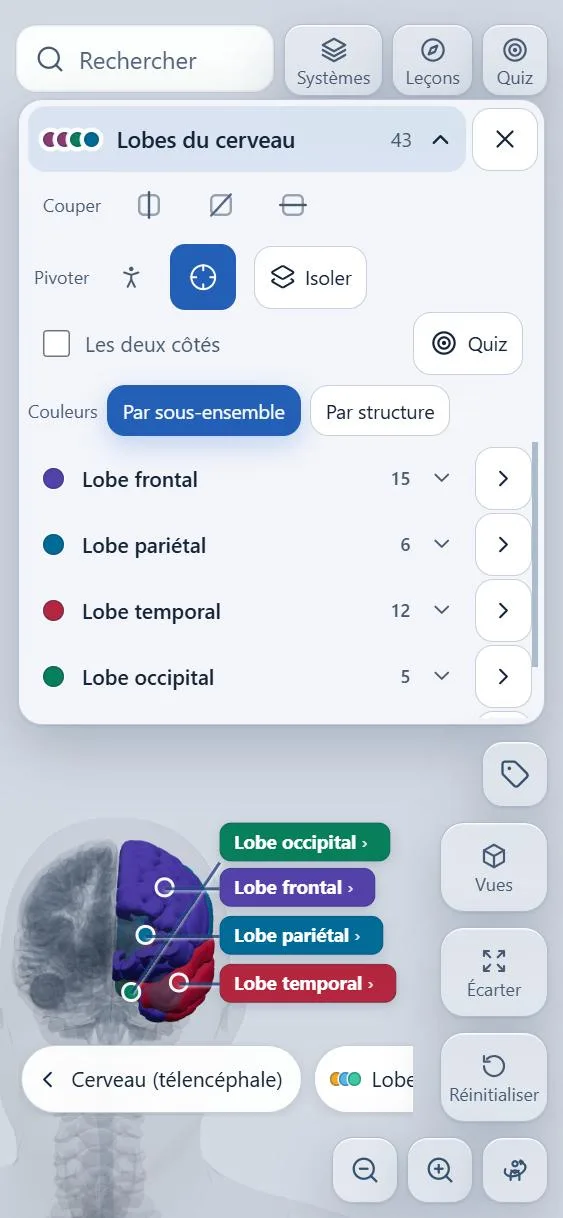
Heart, brain lobes, skull bones, lungs: a set brings together the structures that belong together. Each one gets a bright colour and a label, so you recognise them at a glance.
Layer by layer
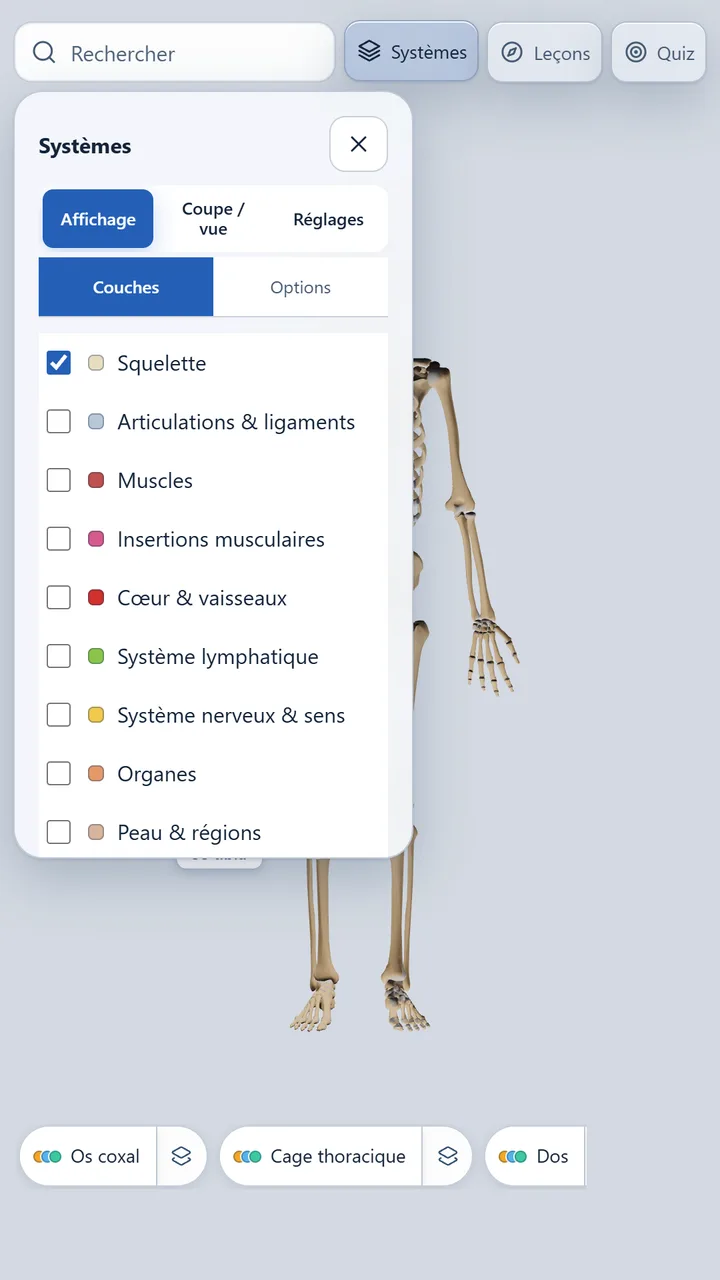
Skeleton, joints, muscles, heart and vessels, lymphatic system, nervous system, organs, skin: tick the systems you want to see and stack them.
Look inside
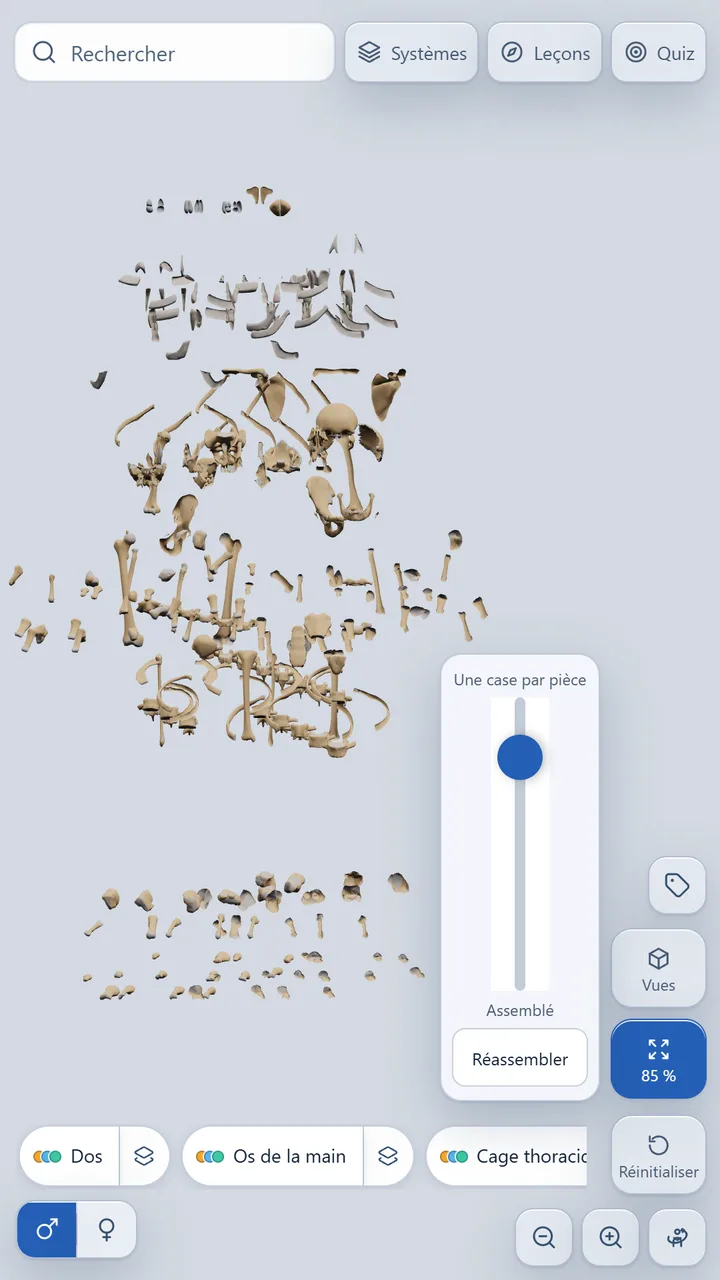
A slider moves structures away from each other. At the far end, each piece sits alone in its own tile, like an inventory.
Guided lessons
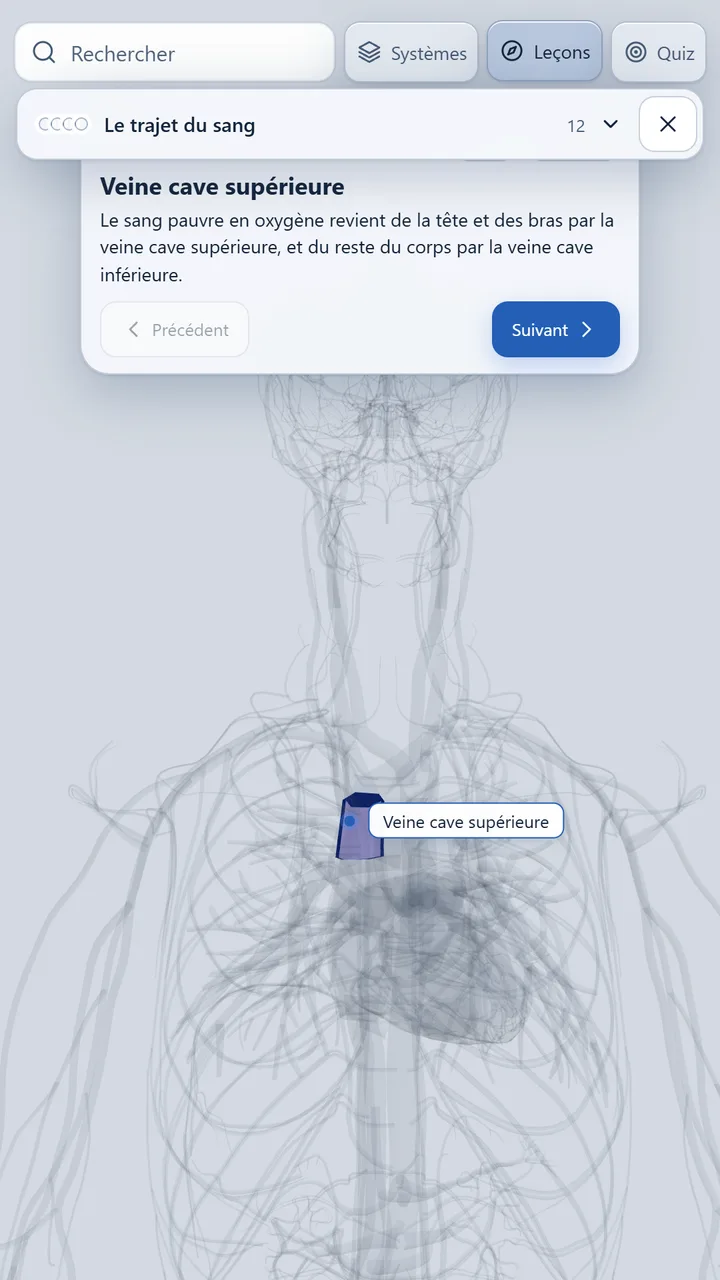
The path of the blood, digestion… Each lesson shows the structures in order, with an explanation and an arrow linking each step to the next.
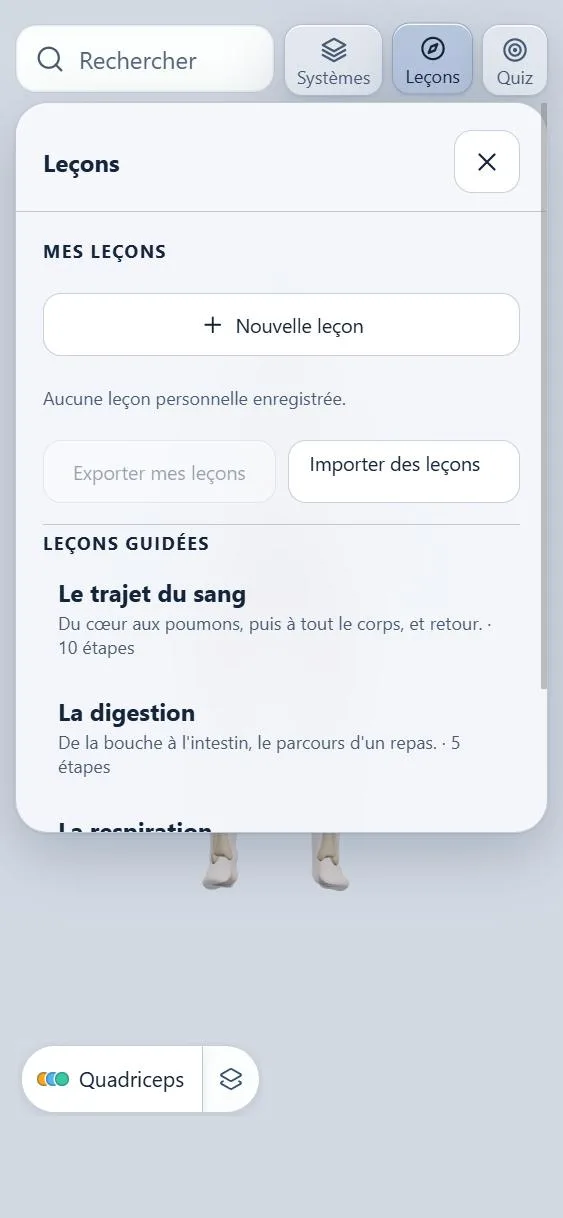
Your notes
Paste a passage from your course: the app spots the structures it mentions and turns them into a lesson you follow on the model, then a tailor-made quiz.
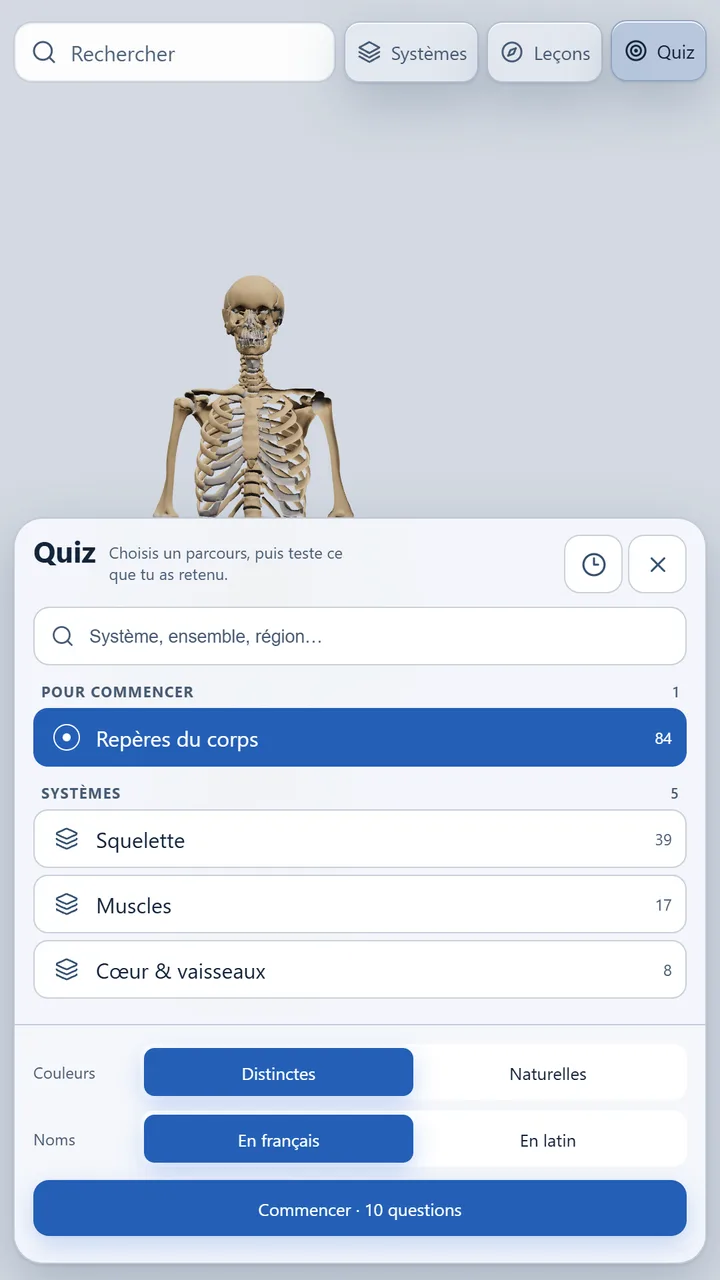
Review
The quiz asks you to tap the right structure on the model. Pick the level, the theme and names in your language or in Latin; when you miss, the right answer is shown and named.
Two models
Switch from one to the other in a tap. The female model also includes the structures specific to pregnancy.
The details that make learning easier.
One finger to rotate, two to pan, pinch to zoom. A discovery guide shows it all on first launch.
A few letters are enough: the right system appears and the camera frames the structure.
Make the rest of the body transparent around a structure to see where it sits.
Slice the body along a sagittal, frontal or transverse plane, and move the cut.
Keep the structures you want to review and find your recent ones again.
Lesson steps and quiz questions can be read aloud.
Interface in French, English, Spanish, Portuguese, Italian, Arabic, German and Russian. Structure names in French, English or Latin.
The models ship with the app: it works anywhere, even without a connection.
Illustrated guides to understand the human body, with screenshots from the app to go further.

How many bones the body has, how they are organized and how to remember them without getting lost: a complete tour of the skeleton, from skull to toes.
Read the article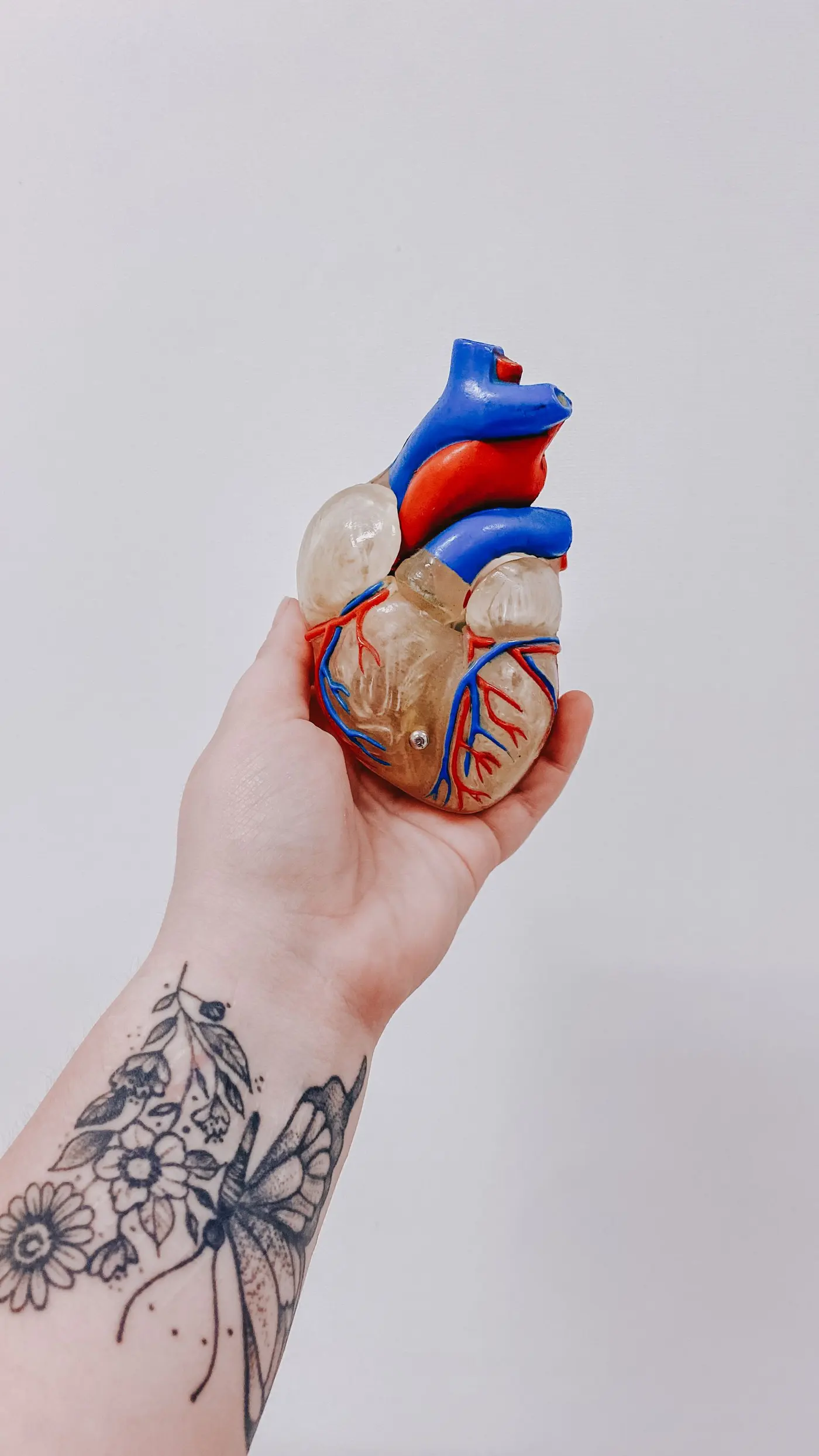
Four chambers, four valves and two circuits: how the heart sends blood around the whole body in under a minute, and how to follow it step by step.
Read the article
From the nose to the alveoli, by way of the lobes and segments: how air gets in, where gas exchange happens and why the two lungs are not identical.
Read the articleFree on Android and iOS. Install the app and explore the human body in 3D.
Anatomical models: Z-Anatomy (CC BY-SA 4.0) and BodyParts3D / Human Reference Atlas (CC BY-SA 2.1 Japan). Descriptions: Wikipedia (CC BY-SA). Photos: Pexels.